Connecting YouTube and Facebook
Before you can publish a brand's episodes, connect the YouTube channels and Facebook pages the brand publishes to. Connections are made per brand.
An Organization Admin can also connect a channel or page for the whole organization, in Hope.Cloud under Services → Jetstream.Studio → Publishing accounts. Such an account is offered when you publish an episode of any brand of the organization, although the brand's Publishing Destinations does not list it.
Connect an account
- Open the brand, click the gear icon and choose Publishing Destinations.
- Click New Connection next to YouTube or Facebook.
- A sign-in window from Google or Facebook opens. If nothing opens, allow pop-up windows for Jetstream Studio in your browser and try again.
- Sign in and allow Jetstream Studio to manage your channel or pages.
The connected channel appears in the list. For Facebook, every page you manage appears under your Facebook account.
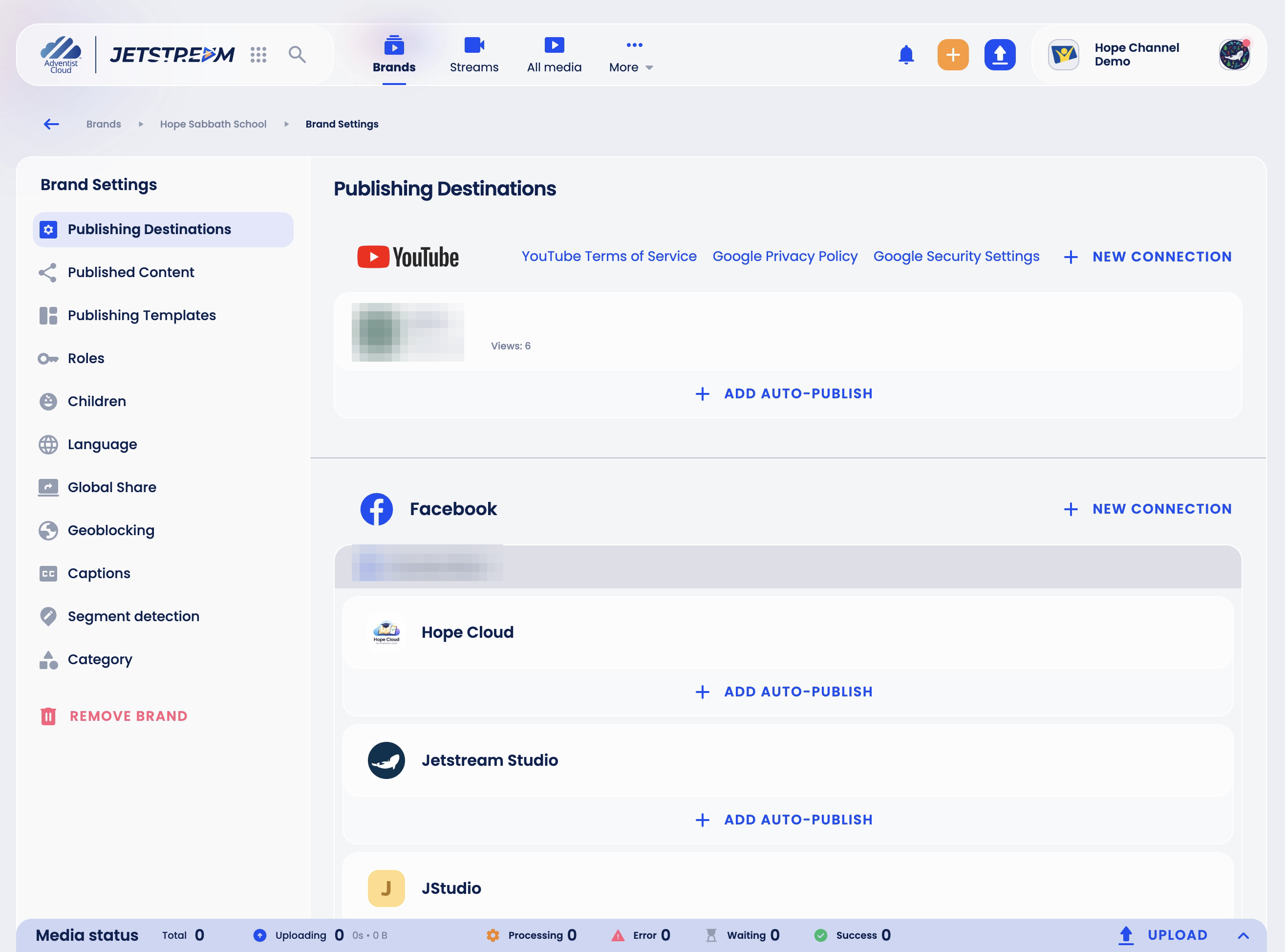
You can connect several YouTube channels and Facebook accounts to the same brand.
If a connection stops working, for example after you changed your password, the account shows Waiting for auth. Click Reconnect next to it and sign in again.
Publish automatically
Add Auto-Publish under a channel or page publishes the brand's episodes there without anyone clicking Publish:
- Click Add Auto-Publish under the account.
- Turn on the Auto-Publish switch. Until it is on, the other fields cannot be changed.
- Choose the Media Type to publish: Main, Supplementary, Promo, Social or Filler. An account can have only one switched-on rule per media type, and the type cannot be changed after the rule is saved.
- In Release Time, choose At Release Time, Before Release or After Release. For before and after, set the Number and the Value Type (minutes, hours, days or weeks).
- Click Save.
Auto-publishing uses the episode's Release Date. An episode without a release date is not published automatically.
Existing videos are included
Once the rule is saved and switched on, it also applies to the brand's existing videos of that media type that have a release date and are not yet on this channel or page, also through another connection of it. On YouTube a video whose release time has already passed is published right away.
Private videos are published too
For now, a rule also publishes videos that are under Private in the episode's assets. Until this is fixed, do not upload a video that must stay unpublished with a media type the brand has a rule for.
On Facebook, an episode is published automatically only if its calculated publishing time is from 10 minutes to 29 days ahead; an episode whose time has already passed is skipped.
See what has been published
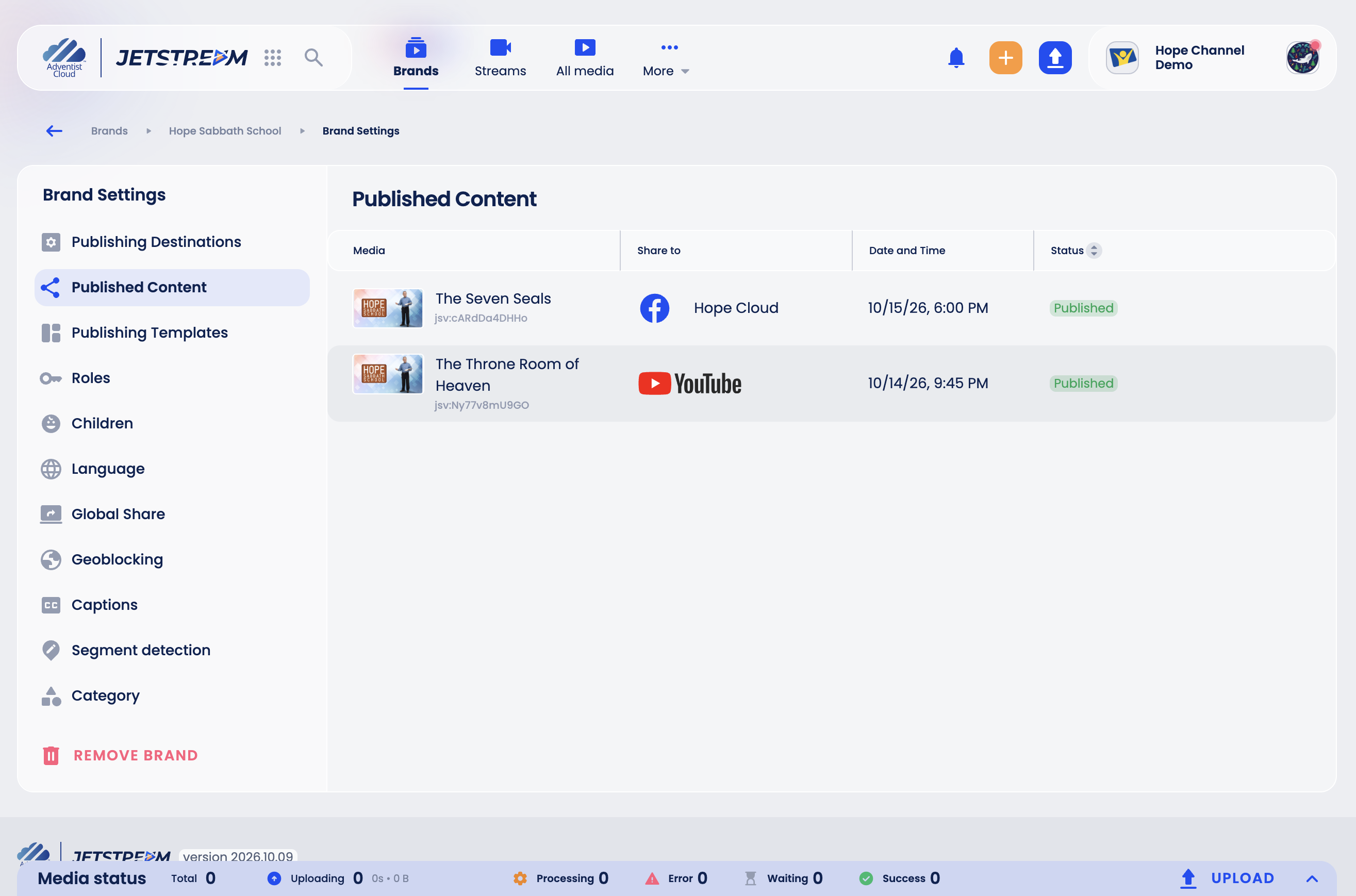
Brand Settings → Published Content lists everything the brand has published: where, when and with what status.