Giving People Access to 2030 Vision
People get access to 2030 Vision through a role in Hope.Cloud.
Who can do this
Only an Organization Admin can assign roles.
| Role | What it allows |
|---|---|
| 1 Billion Admin | Full administration of 2030 Vision for the organization, including connecting social media accounts. |
| 1 Billion User | View the dashboard and the connected accounts. Cannot connect or remove accounts. |
Assign a role
Open Hope.Cloud at admin.hope.cloud.
Click Users.
Click the person in the Users list, or the pencil icon (Edit Profile).
In the left menu, open Roles.
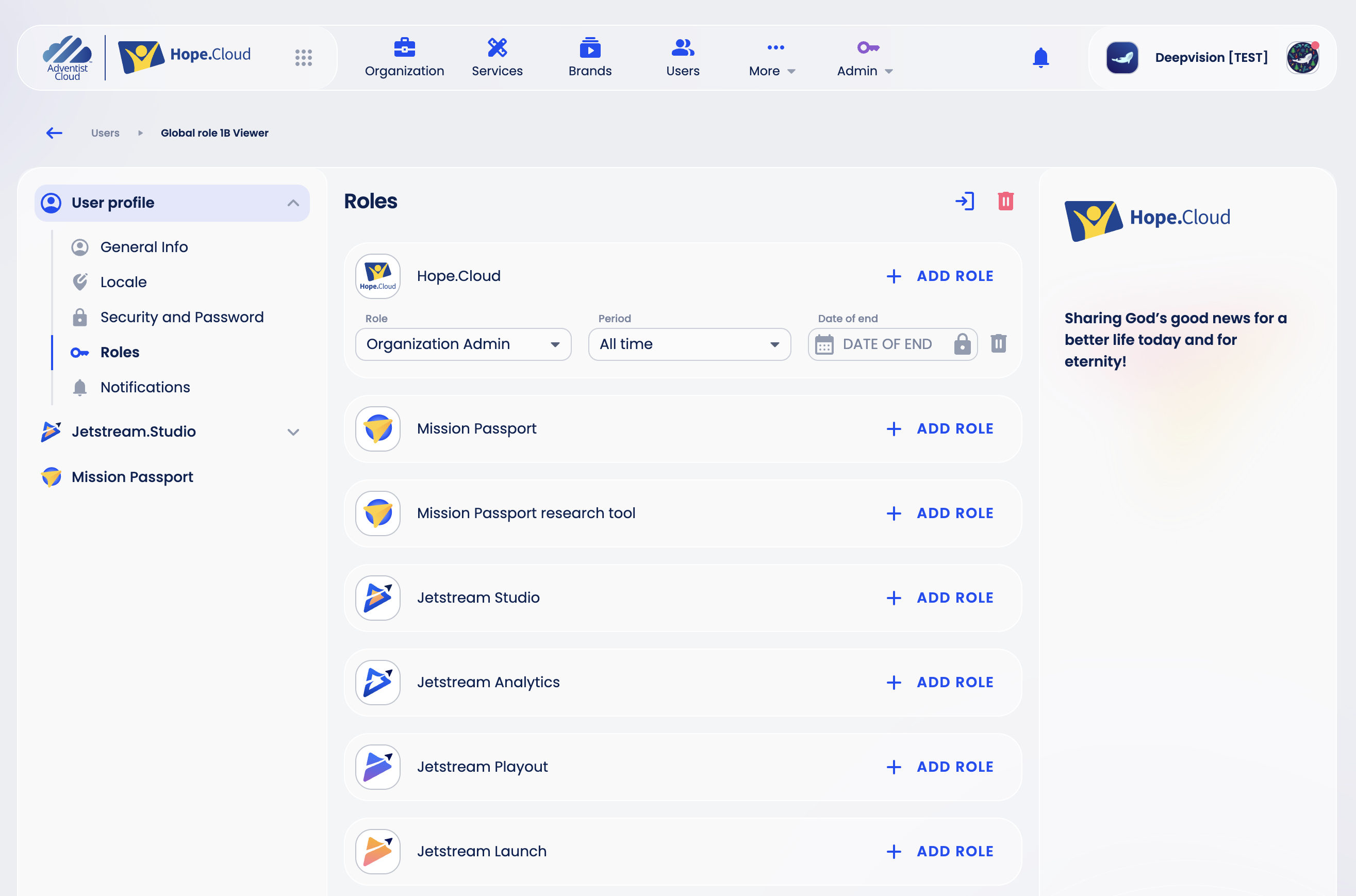
Click Add role on the 2030 Vision card.
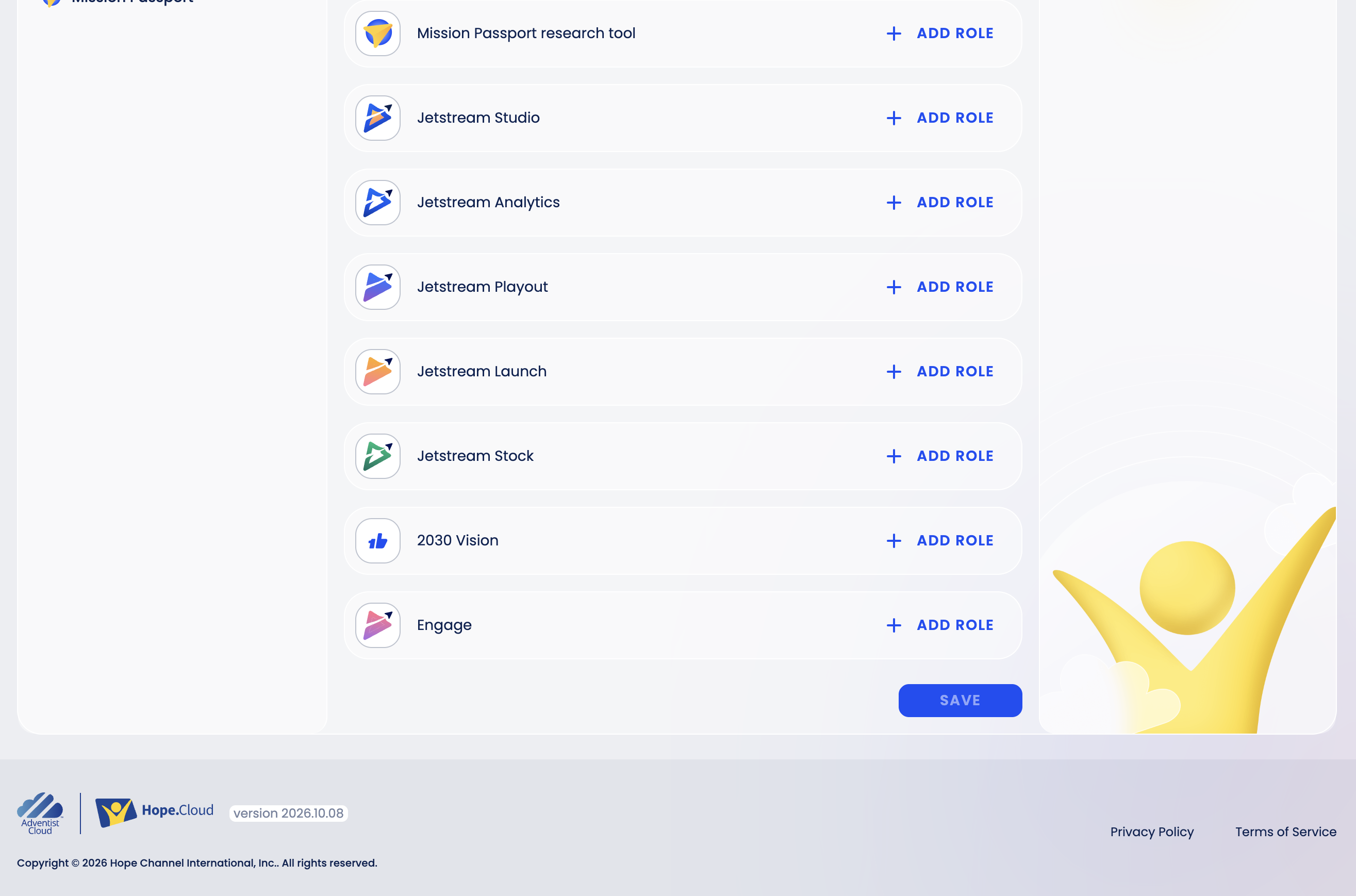
In Role, choose 1 Billion Admin or 1 Billion User. Leave Period as All time, or choose Temporary and a Date of end.
Click Save.
To invite someone new with this role, see Users and Invitations.