Connecting Your Social Media Accounts
The 2030 Vision dashboard counts your reach from the social media accounts you connect. Connect every channel your organization publishes to.
Who can do this
You need the 1 Billion Admin role. See Giving People Access to 2030 Vision.
Sign in at app.jetstream.studio.
Click the app switcher (the grid icon next to the logo) and choose 2030 Vision.
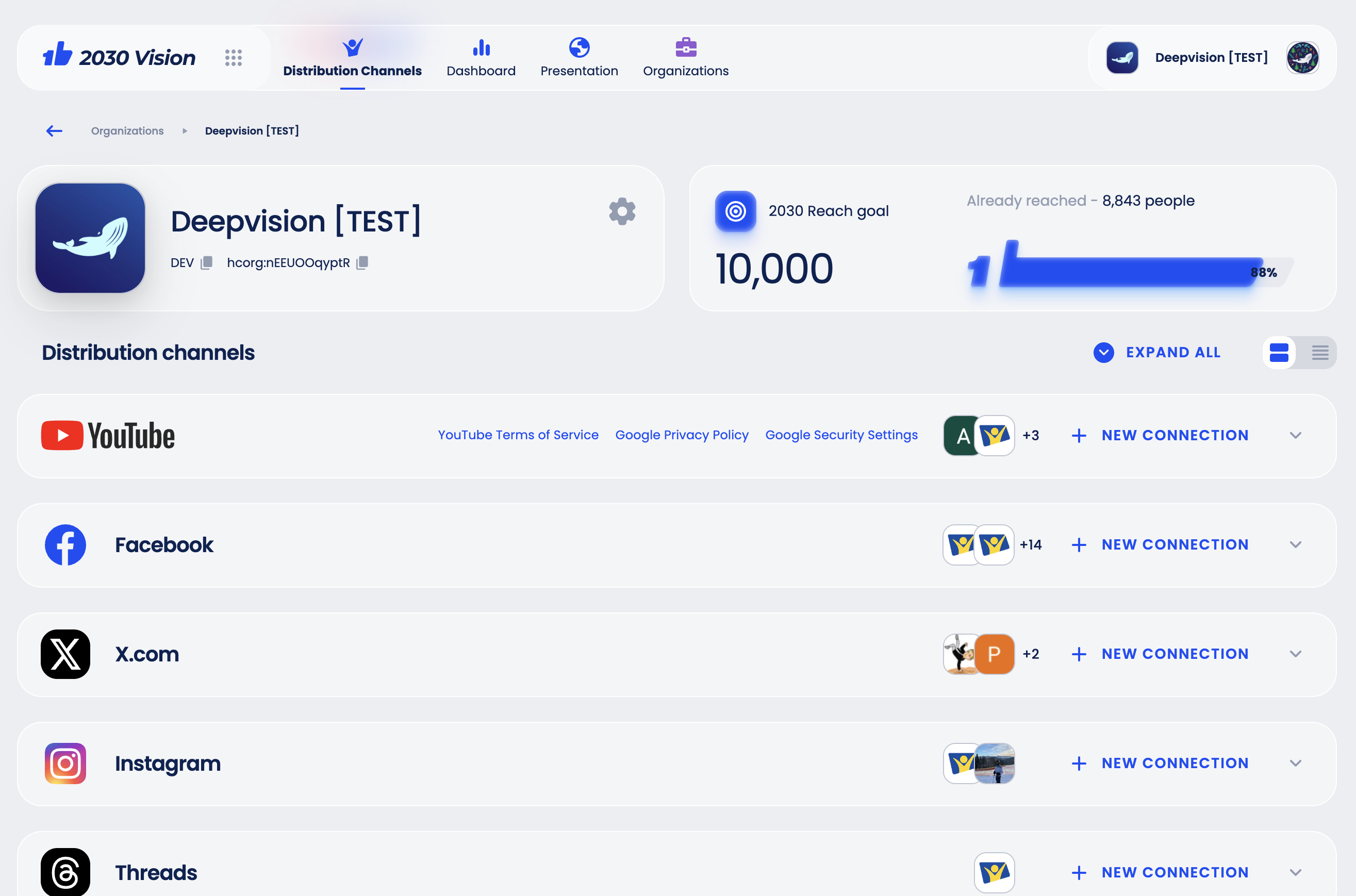
Click Distribution Channels.
Next to each platform your organization publishes on, click New connection and sign in to the account. Platforms marked Coming soon (Instagram, Threads, TikTok) cannot be connected yet.
If the platform asks for permissions, allow them.
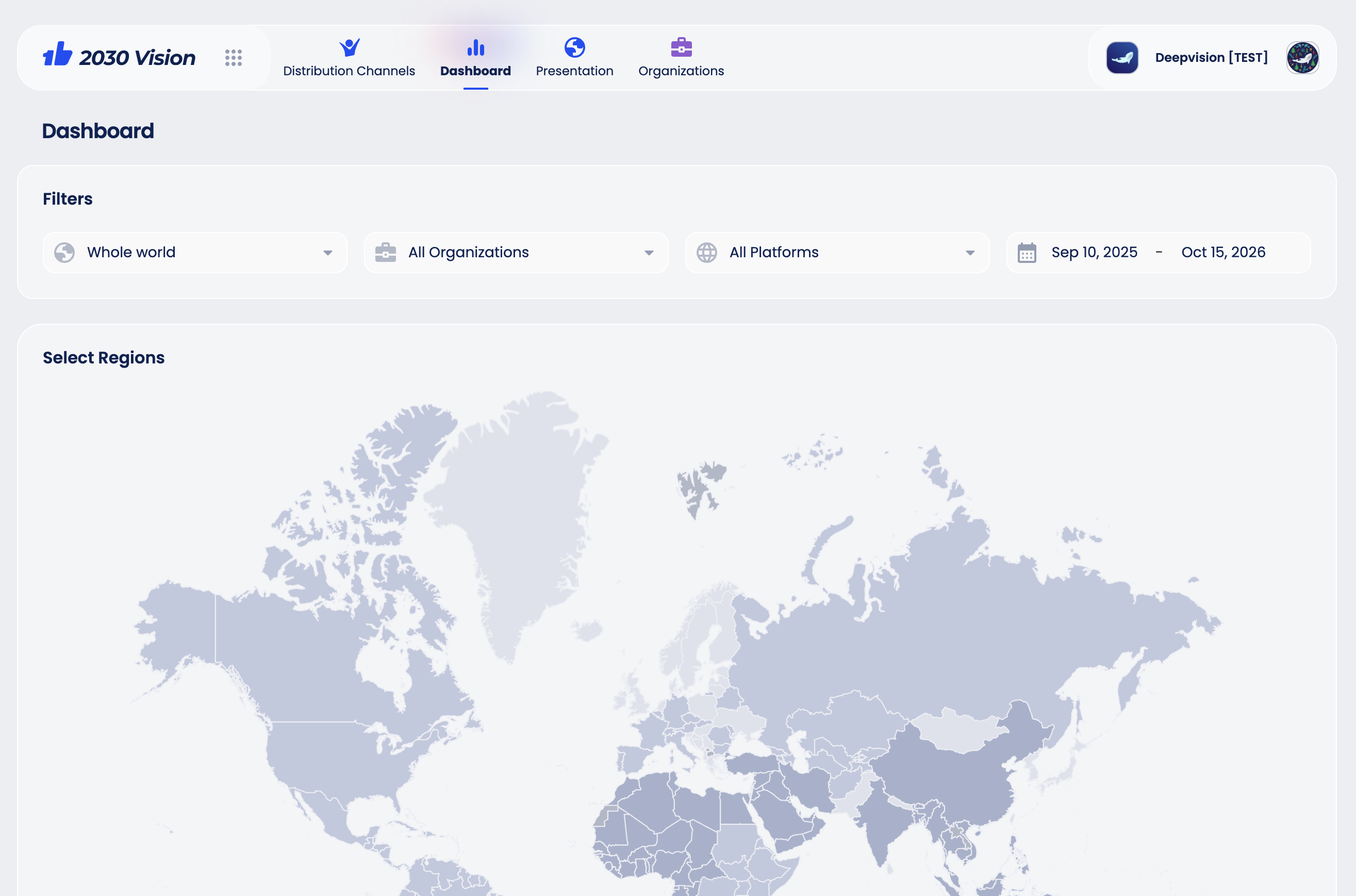
The connected accounts appear under each platform. Reach numbers show up on the Dashboard once the first statistics are collected.